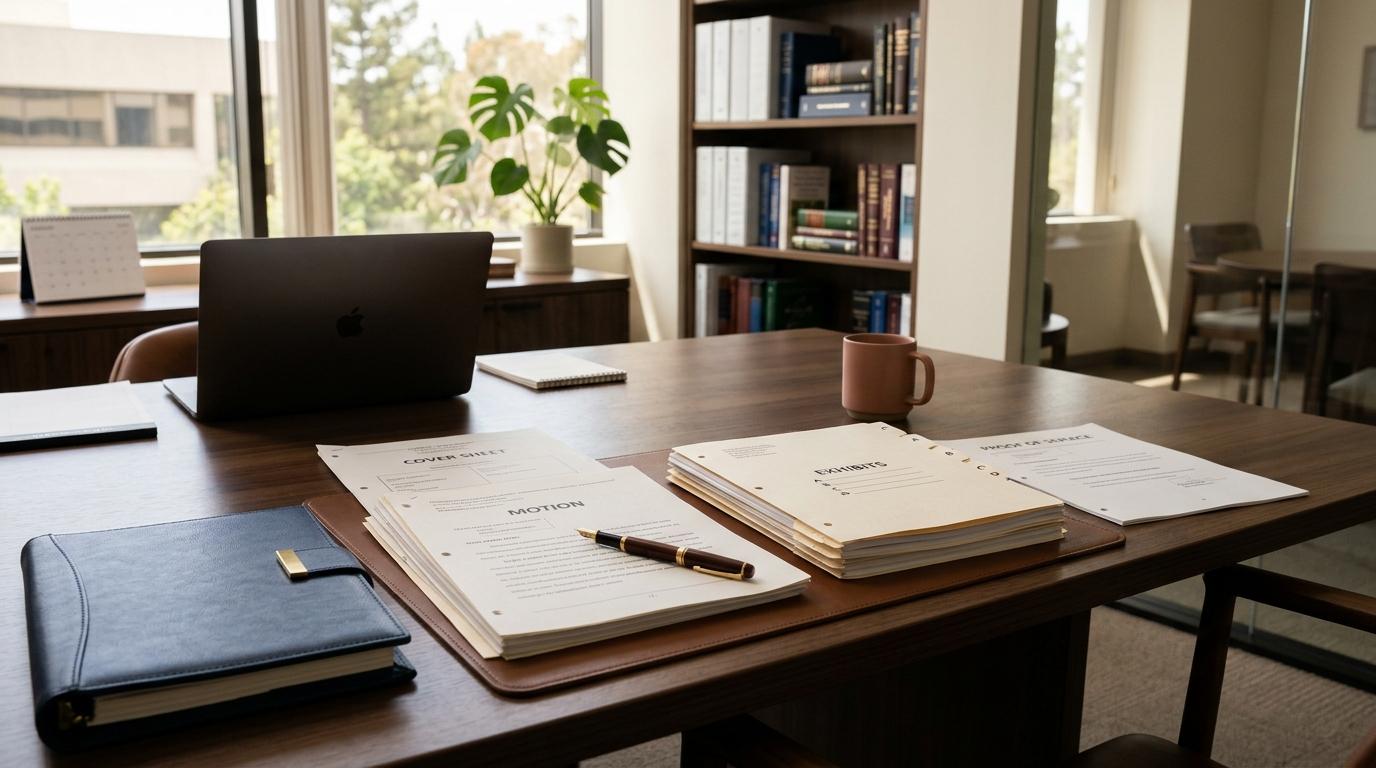
When people imagine filing something in court, they picture one document. In practice, most substantive filings are packages: a main document, supporting declarations, exhibits, a proposed order, forms, fees, and a way to show the other side received it. The package must be complete, consistent, and properly organized, or a clerk or judge may reject, strike, or overlook parts of it.
This walkthrough covers the typical components and how to assemble them. Requirements vary by court, so check the court's rules and any judge's standing orders for your case.
Component one: the cover sheet or filing form
Many courts require a cover sheet or a form that classifies the case or the filing. California civil cases, for instance, commonly begin with a civil case cover sheet, and federal courts require their own civil cover sheets for new cases. Online filing systems also ask you to select a document type, party, and fee information. Use the court's current forms, and make sure the information matches the main document.
Component two: the main document
This is the motion, petition, complaint, response, or other primary paper. Formatting rules typically address the caption, line numbering where required, font size, margins, page limits, tables of contents or authorities for longer briefs, and signature blocks. Confirm each page is present, the document is text-searchable, and the caption matches the case exactly.
Component three: declarations and supporting papers
Facts offered in support of a motion are generally presented through declarations or other admissible evidence, with exhibits attached and authenticated. Declarations should be signed under penalty of perjury and in the form the court requires, and each should be limited to matters within the declarant's personal knowledge. Many motions also require a separate proposed order, a notice of hearing, or a memorandum of points and authorities.
Component four: exhibits
Exhibits are where many packages fail. Good practice includes:
- Label each exhibit clearly with a letter or number, following the court's convention.
- Create an index listing each exhibit and its description.
- Add bookmarks, which California rules require for electronic exhibits in certain motions, to let the judge navigate quickly.
- Keep only what is needed. Excerpt long documents and highlight relevance in the declaration rather than attaching everything.
- Redact personal identifiers and confirm sealing procedures for confidential exhibits.
- Manage file size. Break large exhibit sets into multiple parts that respect upload limits, with clear labels such as "Exhibits 1 through 5, Part 1 of 2."
Component five: the proof or certificate of service
Parties generally must serve filed documents on other parties, and the court expects proof that they did. In California state court, the document is often called a proof of service, signed by the person who served the papers under penalty of perjury. In federal court, a certificate of service is commonly used, although registered CM/ECF users may be served through the court's electronic notice for most filings. A proper proof identifies what was served, who was served and at what address, the method of service, and the date. Errors or missing proofs can undermine a motion or delay a hearing.
Component six: fees and ancillary forms
Check for filing fees, fee waiver applications, notices of related cases, and any forms triggered by the type of filing. Payment failures can cause rejection.
Assembly checklist
- Order the components logically, following any required sequence.
- Cross-check names, dates, and case numbers across every document.
- Verify that exhibit references in the brief and declarations match the actual exhibit labels.
- Test the files. Open each one, confirm it is complete and legible, and check that text is searchable.
- Confirm service has been completed or is queued, and that the proof of service will be accurate when signed.
- Save the confirmation and the final package for your records.
Use a template
Templates reduce errors. A standard package template with prefilled formatting, a component checklist, and a numbering convention for exhibits makes each filing faster and more consistent.
Our complete package template brings these elements together for repeated use.
Ready to build filings that survive clerk inspection? Get the Complete E-Filing Package Template.
This article is general information, not legal advice, and does not create an attorney-client relationship. Consult a licensed attorney about your specific situation.