A rejected e-filing is rarely about the merits of your case. It is usually about a technical detail: the wrong document type, an unsearchable PDF, a missing signature, a mismatched filer name. Those details are boring until a deadline is hours away. Then they are the whole case.
Pilots run a pre-flight checklist not because they forget how to fly, but because skipping a step has consequences. The same logic applies to court submissions. Below is a practical checklist for filings in California state courts and federal courts. Always confirm the requirements of the specific court and judge, because local rules and standing orders vary.
1. Confirm the court's rules before you draft
State and federal courts have different rulebooks. California Superior Courts follow the California Rules of Court, including the rules on electronic filing and the format of papers, plus each court's local rules. Federal district courts follow the Federal Rules of Civil Procedure, local rules, and often individual judges' standing orders. Check the filing method, accepted document types, page or word limits, and any required cover sheets.
2. Build the PDF correctly
Most courts require PDFs, and many require searchable text rather than a flat scan. As a general approach:
- Create the PDF directly from the word processor instead of scanning a printout.
- Confirm text is selectable and searchable.
- Check page numbering, caption, and line formatting against the applicable rules.
- Add bookmarks or an index to exhibits where the rules call for them, which is the case for certain motions in California state court.
- Keep file sizes within the court's or the filing provider's limits, splitting large exhibits into labeled parts.
- Verify whether the system requires a specific standard such as PDF/A.
3. Clean the metadata and redact properly
Hidden information travels with files. Tracked changes, comments, author names, and embedded data can expose confidential material. Before filing, remove hidden data and review the final PDF itself, not the draft. Redaction must also be genuine: drawing a black box over text does not remove the text underneath. Apply true redaction tools and then test by trying to select or copy the covered text. Both the California Rules of Court and the federal rules require limiting certain personal identifiers, such as Social Security and financial account numbers, in public filings.
4. Verify credentials and the filer's identity
Credential mismatches are a frequent cause of delay. Confirm that the account, e-filing service provider registration, and signature block all match the attorney or party actually filing. For attorneys, that includes the State Bar number and current contact information. For federal filings through CM/ECF, confirm the account is active and the right court's system is selected, since credentials do not carry across every court automatically.
5. Match the document type and caption
Systems ask you to choose a document type, and choosing wrongly can route your filing to the wrong queue or trigger a rejection. Confirm the case number, department or judge, party names, and document title are identical across the caption, the filing form, and any proof of service.
6. Include every companion document
Many filings require more than the main document. Check for a proposed order, declarations, exhibits, a notice of motion, a certificate or proof of service, and required fees or fee waiver forms. A missing companion is one of the most avoidable reasons for a rejection.
7. Plan the deadline, not just the filing
Technical systems fail. Aim to submit well before the last hour. In California state court, an electronic filing made before midnight on a court day is generally deemed filed that day, but confirmation timing and acceptance still depend on the court, so do not treat midnight as a plan. Save your confirmation and any receipt, and calendar a follow-up to confirm the filing was accepted and not just received.
8. Do a final read-through as the clerk
Open the final PDF and read it as someone looking for reasons to reject it. Is every page present? Is the signature there? Does the file open normally? Five minutes here can save days later.
Keep a repeatable system
A standard checklist, a template for each recurring filing, and a second set of eyes turn e-filing into routine work.
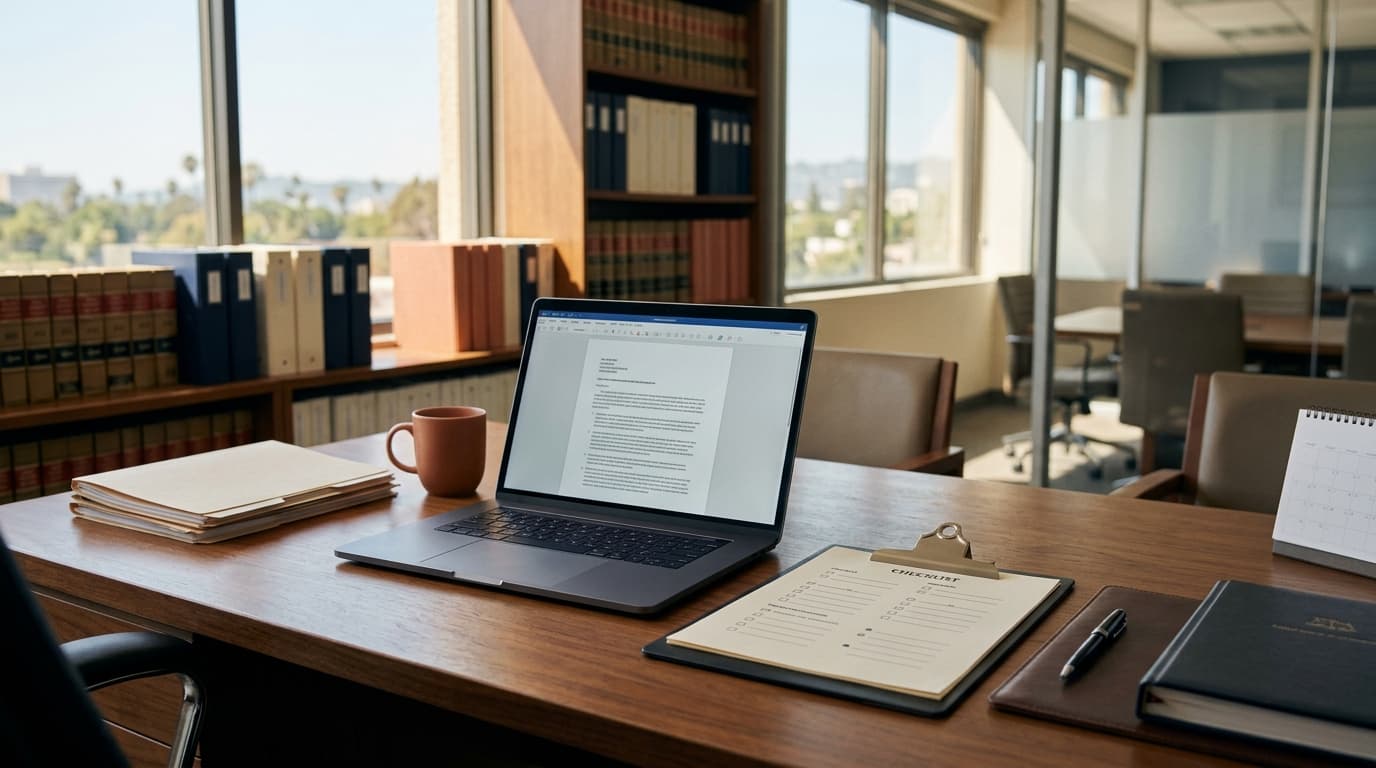
Our office has assembled these steps into a downloadable submission checklist for legal operations teams, paralegals, and self-represented litigants who want a consistent pre-flight routine.
Want the full version? Download our E-Filing Submission Checklist.
This article is general information, not legal advice, and does not create an attorney-client relationship. Consult a licensed attorney about your specific situation.